Fast food POS software
Handle sales, inventory, finances and analytics with Poster
- Inventory and finance tools
- In-depth reporting and analytics
- Available on tablet, phone and browser
- Pricing starts from $26monthly


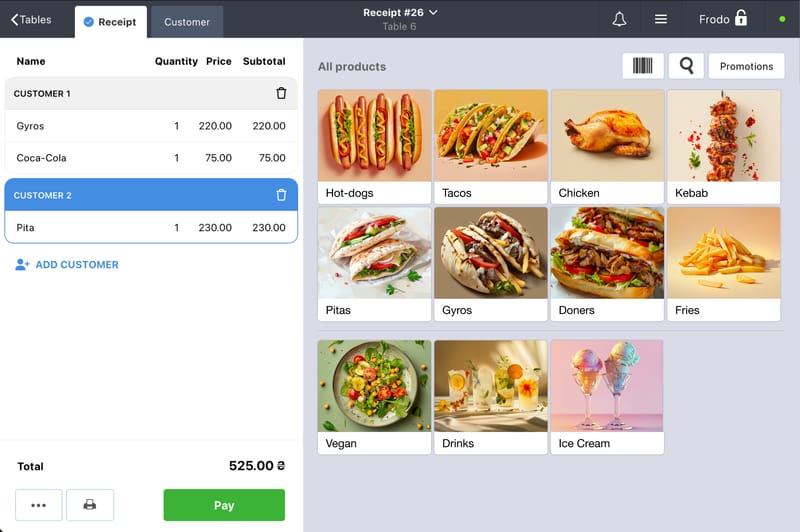

Managing a fast food location with Poster is simple
Take orders at lightning speed
Simple interface helps your staff to take orders in just a few clicks and send them straight to the kitchen! Even if your location is extremely busy.
Accept all payments
Customers can pay with cash, card, smartphone, or the cashback accumulated for previous purchases. Split the orders or even pay with both cash and card!
Bad Internet won’t interrupt your sales
Poster POS can work offline, so your cashiers can continue POS operations, even if the Internet decides to take a break.
Increase your foot traffic with discounts
Offer your customers special promotions during off-peak times to keep business steady even on slow hours.
Work with a wide range of hardware and devices
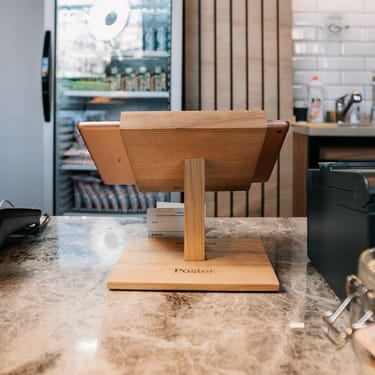
The POS register can be a stationary unit on Android tablets, iPads, Windows PCs, or MacOS devices, as well as a mobile unit on smartphones, making it convenient for every employee to take orders, reducing equipment requirements and costs.
You can also connect Poster to receipt printers, cash drawers, ticket printers or KDS, barcode scanners, and much more.
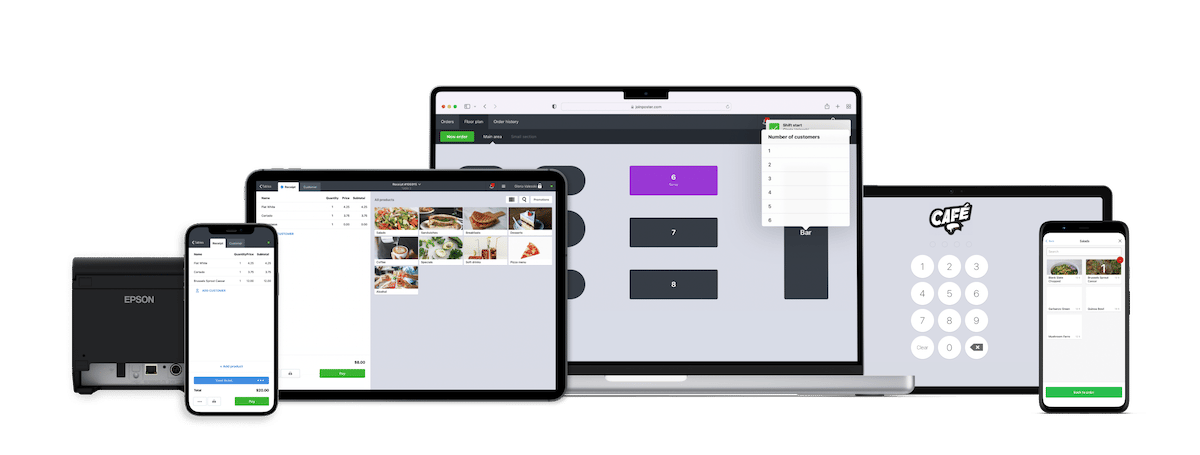
Explore our intuitive POS register!
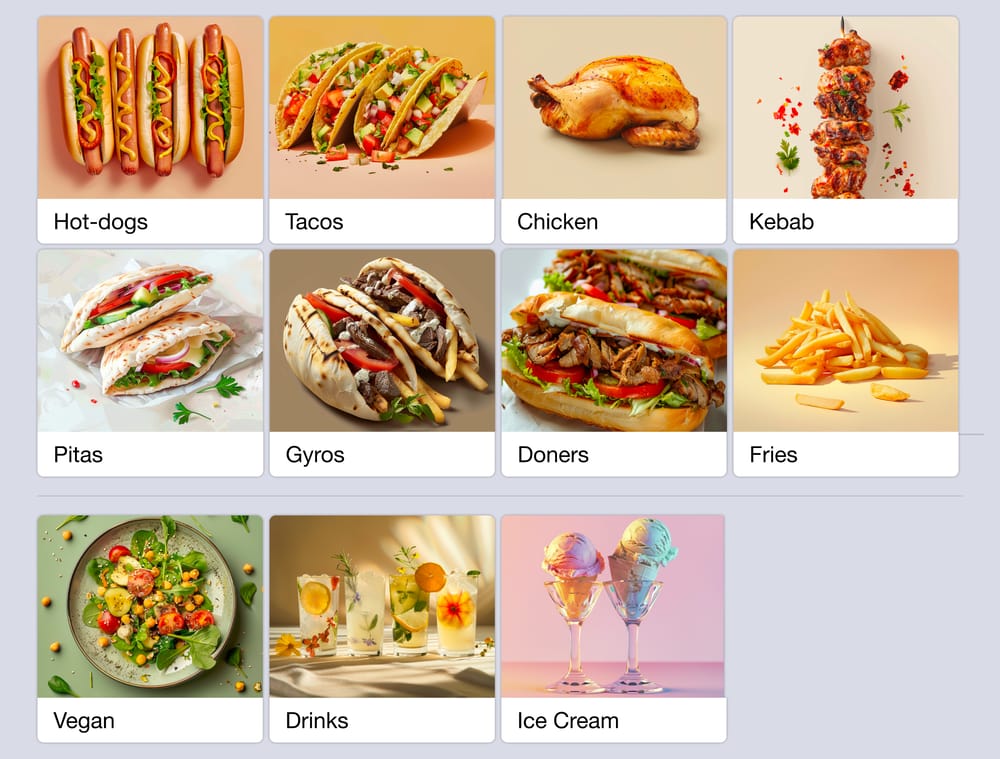
Make your menu user-friendly
Organize the menu in the app to help your staff process orders more quickly.
Categorize food & drinks, add images, and sort dishes by popularity.
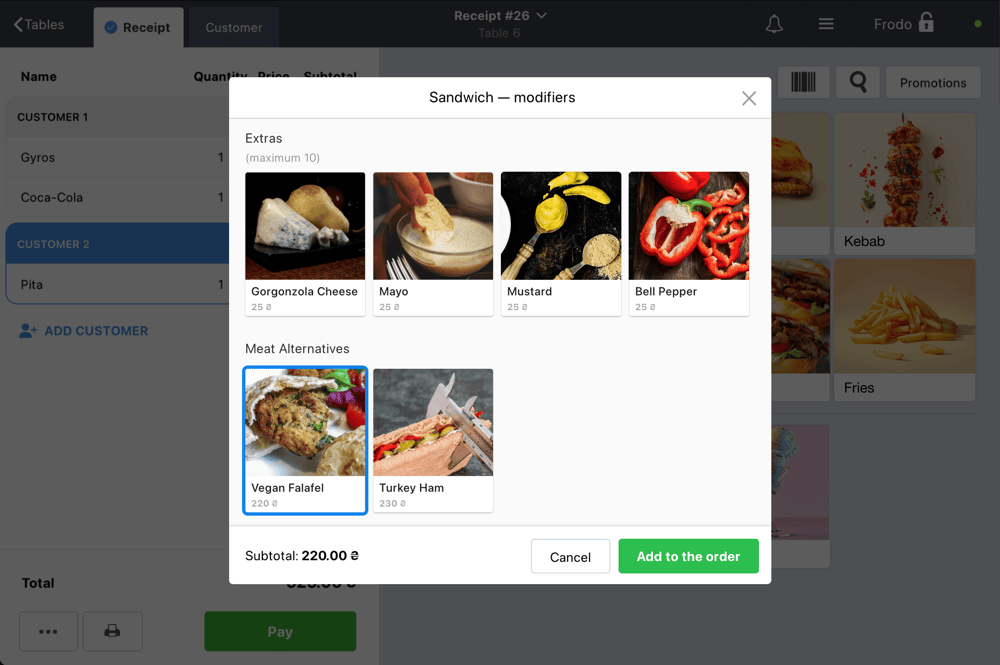
Modifiers
With Poster, you can set up a single menu item for all types of hot dogs and use modifiers to sell them with various toppings or sauces. Rest assured that prices and ingredients will be calculated accurately according to the recipe.
Tables or counter service
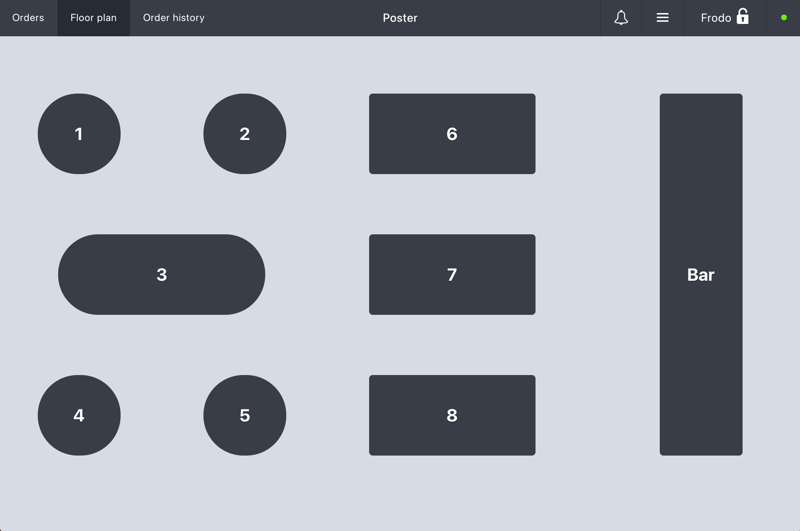
Set up a floor plan to allow your staff managing and taking orders at the tables.
Or you can disable it and take orders at the counter area.
Poster QR
QR Menu or Delivery Website
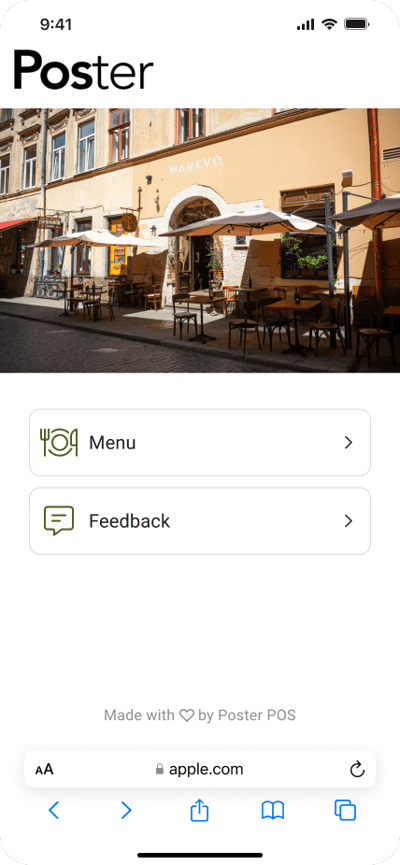
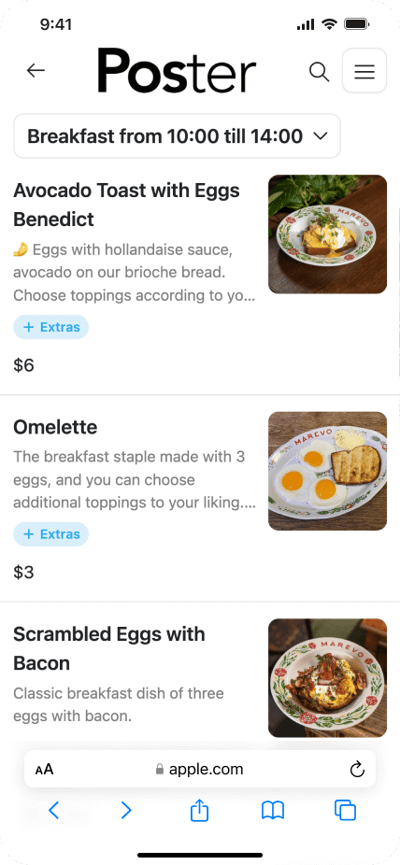
- Create QR Menu with your dishes from Poster
- Automatically update any changes, images, prices, etc
- Add dish descriptions and you’re all set
- Customer scans QR for menu and leaves feedback
- Share feedback with your staff to boost their morale
- Quickly handle any issues to provide the best service
- Сreate a website for your café in just a few moments
- Just set the right theme, colors and style
- Free hosting and domain ps.me
- Connect custom domain if needed
- Create more custom design with advanced CSS styling
- Customers can pay online with Apple Pay, Google Pay, Visa, or Mastercard
- Perfect for takeaway and delivery restaurants

Join 27 000+ locations,
which already use Poster
Create your account now. First 15 days free.
Start your free trialFast food POS system to reduce manager’s workload
No more days when you had to spend half the day wrestling with spreadsheets. Our POS system for fast food enables you to manage your business efficiently and handle daily tasks with no stress.
Reach sales goals
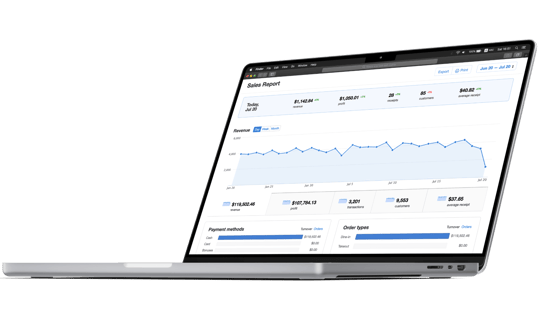
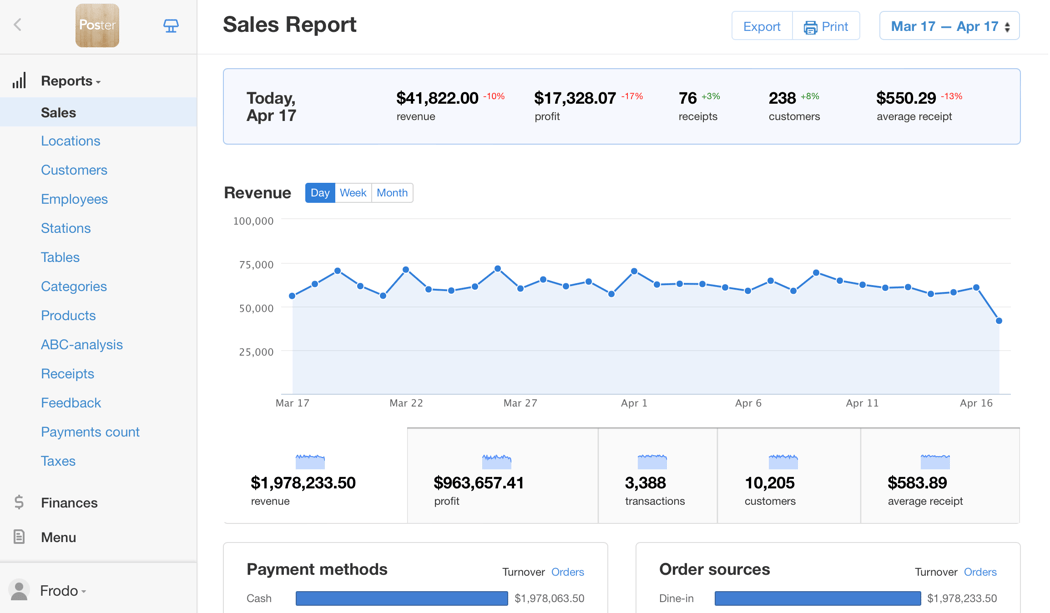
By using reports and dashboards in the management console you can get actionable insights that help you improve your food & drink menu and highlight items to promote for increased sales.
Optimize inventory management
Stay on top of what you have in stock, minimize sitting inventory, and never run out of the best selling items.
Control profit margins
Get accurate reporting to adjust prices and costs and keep your food & drink menu profitable.
Simplify employee onboarding
With a quick overview of the main app features your staff can start selling in minutes.
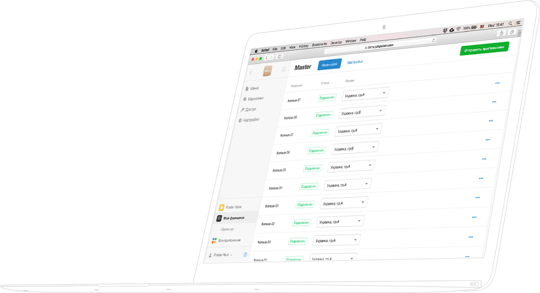
Management console in browser
Access settings and reports anytime, anywhere.
Update menu, review promo performance, find current sales trends — all in the Poster management console.
System interface is specially designed to optimize your workflow efficiency.
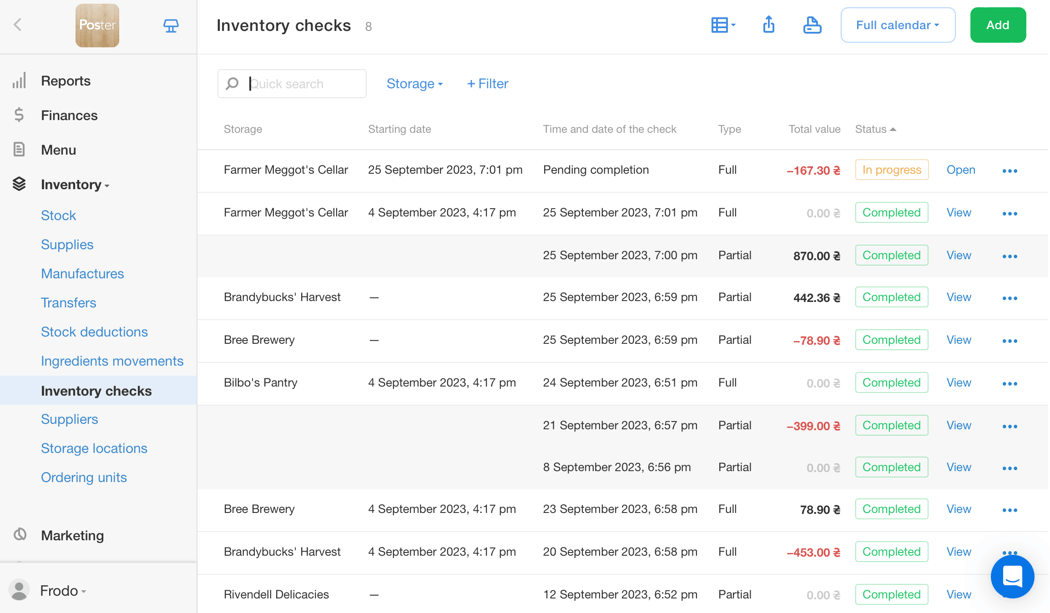
Complete inventory control
Fast food inventory software that allows you to track not only ingredients in stock but also prepared dishes and pre-made items, such as buns and sauces, as well as soft drinks and desserts.
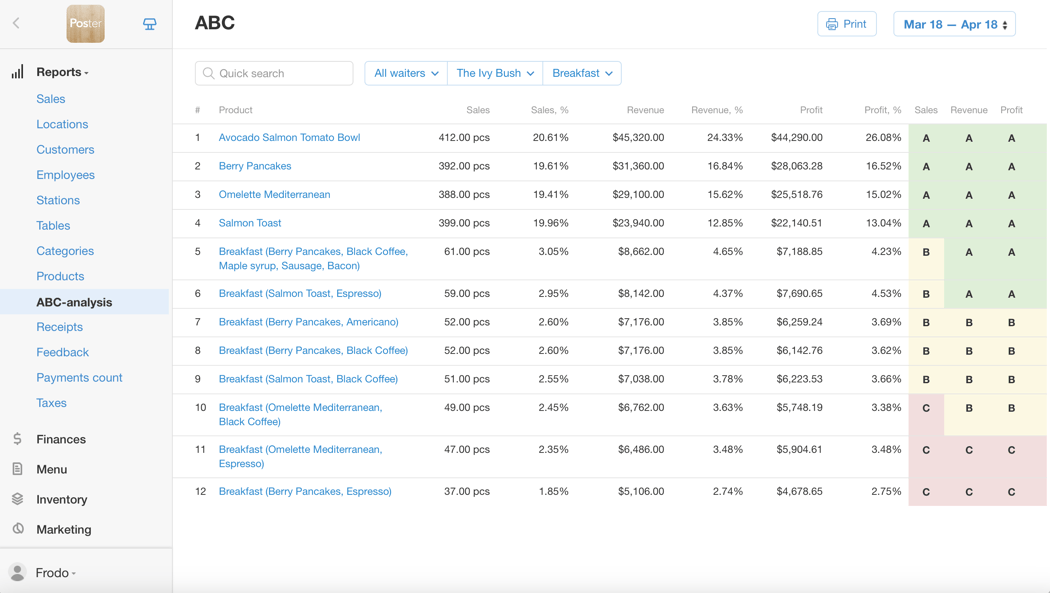
In-depth reports
In Poster, you’ll have comprehensive reports on employees, products, categories, and online orders. Using ABC analysis, you can identify which dishes generate the most profit and which should be replaced or revised.
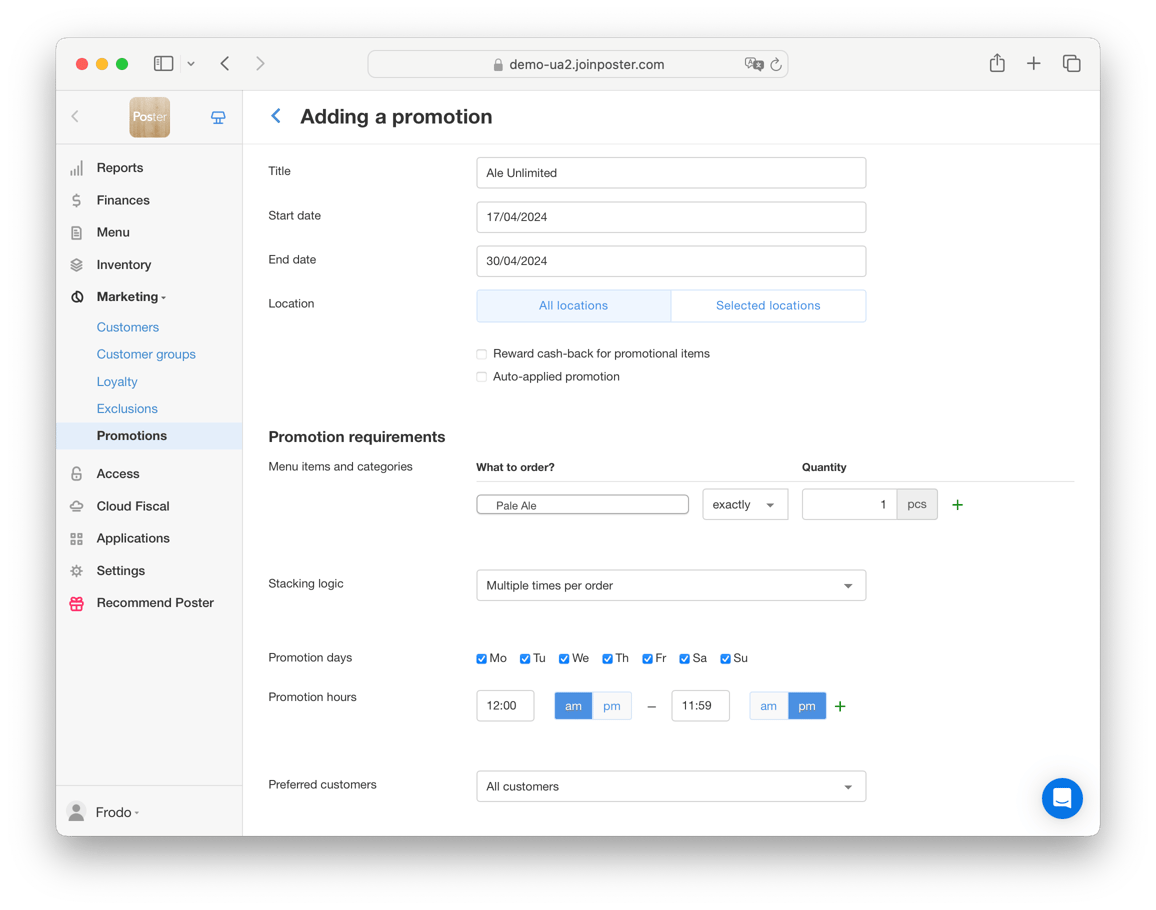
Set up promotions in your quick service restaurant
With our promotions builder, you can create special offers like «Combo Meals» or discount on «Extra Fries» if customer purchased Cheeseburger and Coca-Cola.
Such promotions can be an excellent way to pair new meals with popular items and increase your average check.
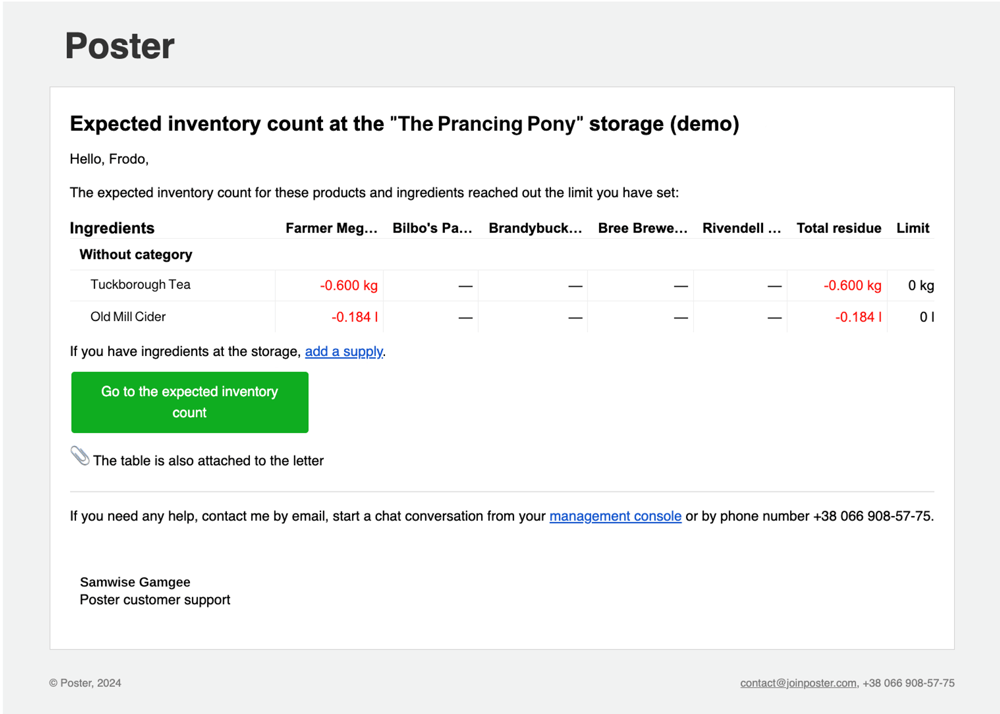
Restock your inventory on time
If you’re running low on ingredients like coffee or milk, we’ll send you a reminder so you can replenish your supplies on time before it affects your orders. Set limits for each ingredient, so Poster can alert you when it’s time to reorder.
Go mobile with our Poster Boss app
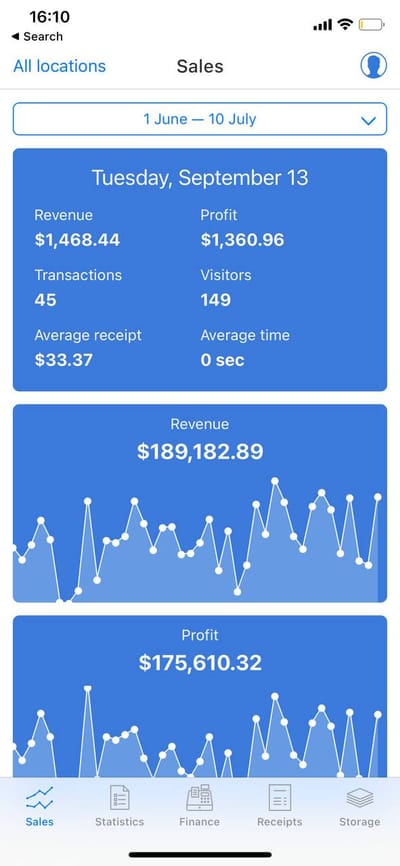
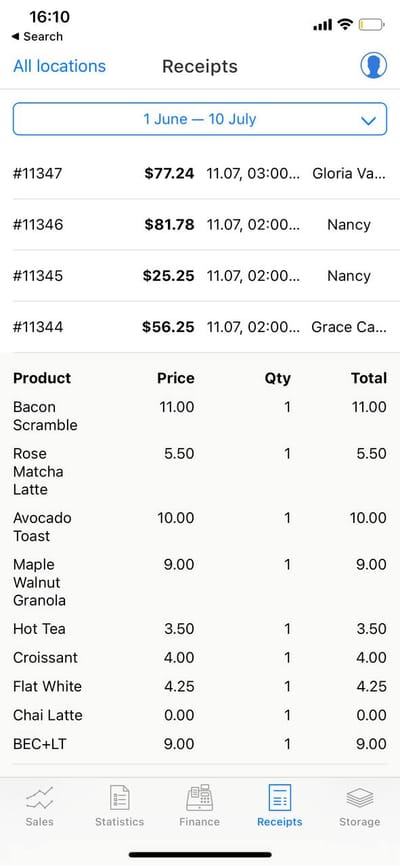
Install the Poster Boss app on your smartphone to gain quick access to real-time sales data and inventory levels.
Receive notifications whenever a cash shift begins or ends at your location containing details about the amount of money in the register.
All-in-one software that covers it all:
- Records of your payments and orders
- In-depth sales analytics
- Finance, P&L, cash flow for accounting
- Inventory control
- Automatic food cost calculation
- Menu management
- Tax calculations
- Payroll, working hours and shifts
- POS app for quick service restaurant
- Customer database
- Integration with third-party apps
Manage operations in multiple locations or franchise your business
Cloud-based POS software allows you to monitor multiple locations under a single account using franchise tools.
This solution offers advanced features for managing your franchise accounts. For instance, you can make bulk changes to pricing and menus across all locations and track overall reports.
Pricing plans for all types of business
We believe that a POS and inventory management system for fast food should be mobile and affordable. With Poster, you can reduce your initial costs and switch between pricing plans any time to keep pace with your business growth.
Starts from $26
Frequently Asked Questions
The price varies based on your location size, the number of staff, food & drink menu, and the specific features required for your operations. Explore Poster’s pricing plans to select the option that suits your needs.
A laptop, tablet, or smartphone will be enough. The Poster software is compatible with iOS, Android, Windows, and macOS. Find minimal system requirements and recommended hardware here.
What our clients say
Poster is very elegantly designed. And perhaps the most amazing part has been the level of support, the dedication and the response time has been great.

It has been great working with Poster! The program is very detailed, user-friendly, and the support team is very fast and effective. Whenever I have a question, a member of Poster’s team always has a solution ready for me.

We are really happy with the customer support and the simple user interface. Please keep it like that, no need to complicate it!

Join 27 000+ locations,
which already use Poster
Create your account now. First 15 days free.
Start your free trial
Maksim Yavorskiy, owner of "Have" coffee shop
Easy to set up.
Excellent customer support
Transparent prices
Poster works on a subscription model with simple plans that will help you automate your business. Prices start from $19 per month. No hidden fees.
Our subscription plans →Free customer support 24/7
We are always there when you need us: we can help you and help train your staff at any time and in any situation.
Choose your own equipment
A regular tablet or computer is more than enough to get started with Poster. Connect receipt printers, card terminals and other devices. We offer ready-made kits so you can start working without hassle!
Compatible equipment →Poster POS fits any hospitality business
Join 27 000+ locations,
which already use Poster
Create your account now. First 15 days free.
Start your free trial