About ServUp Customer Display
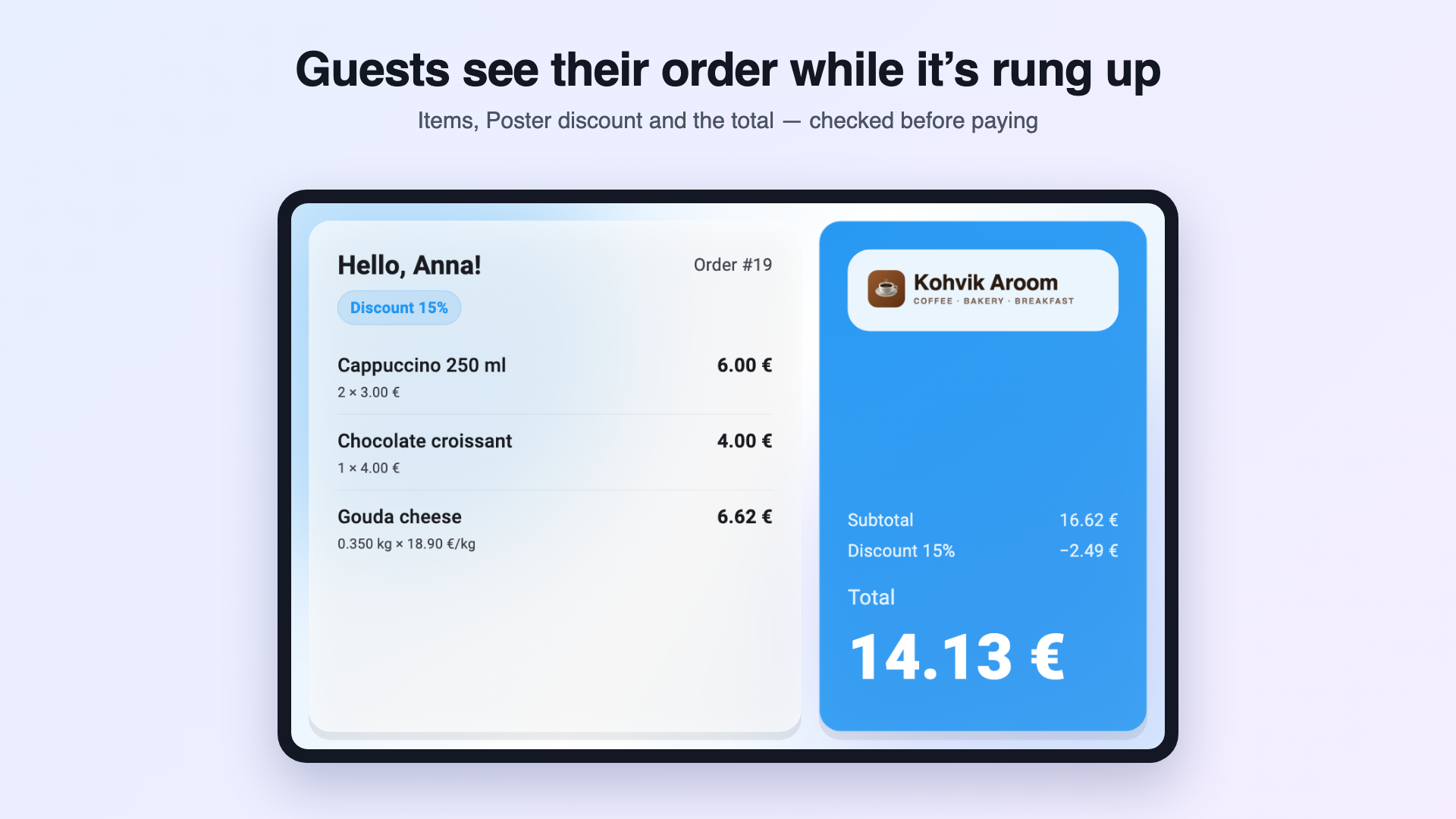
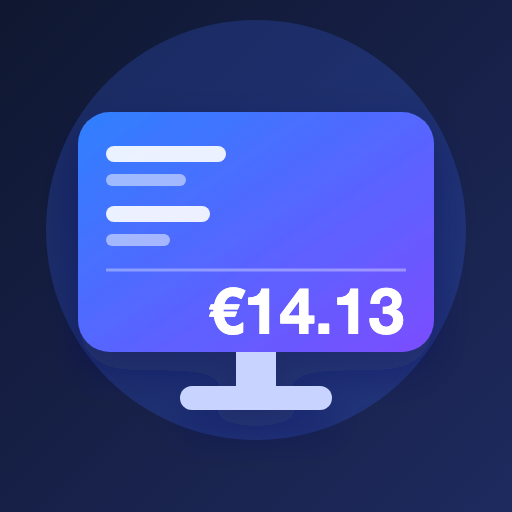
ServUp Customer Display shows guests their order while it is being rung up: items, quantities, prices, discount and the amount due. Guests see exactly what the cashier entered — fewer mistakes and questions at the till.
Features:
- Live order — every change on the POS appears on the guest screen instantly.
- Poster customers — greets the guest by name and shows their discount or bonus balance and cashback.
- Poster discounts — subtotal, discount and total match the POS to the cent.
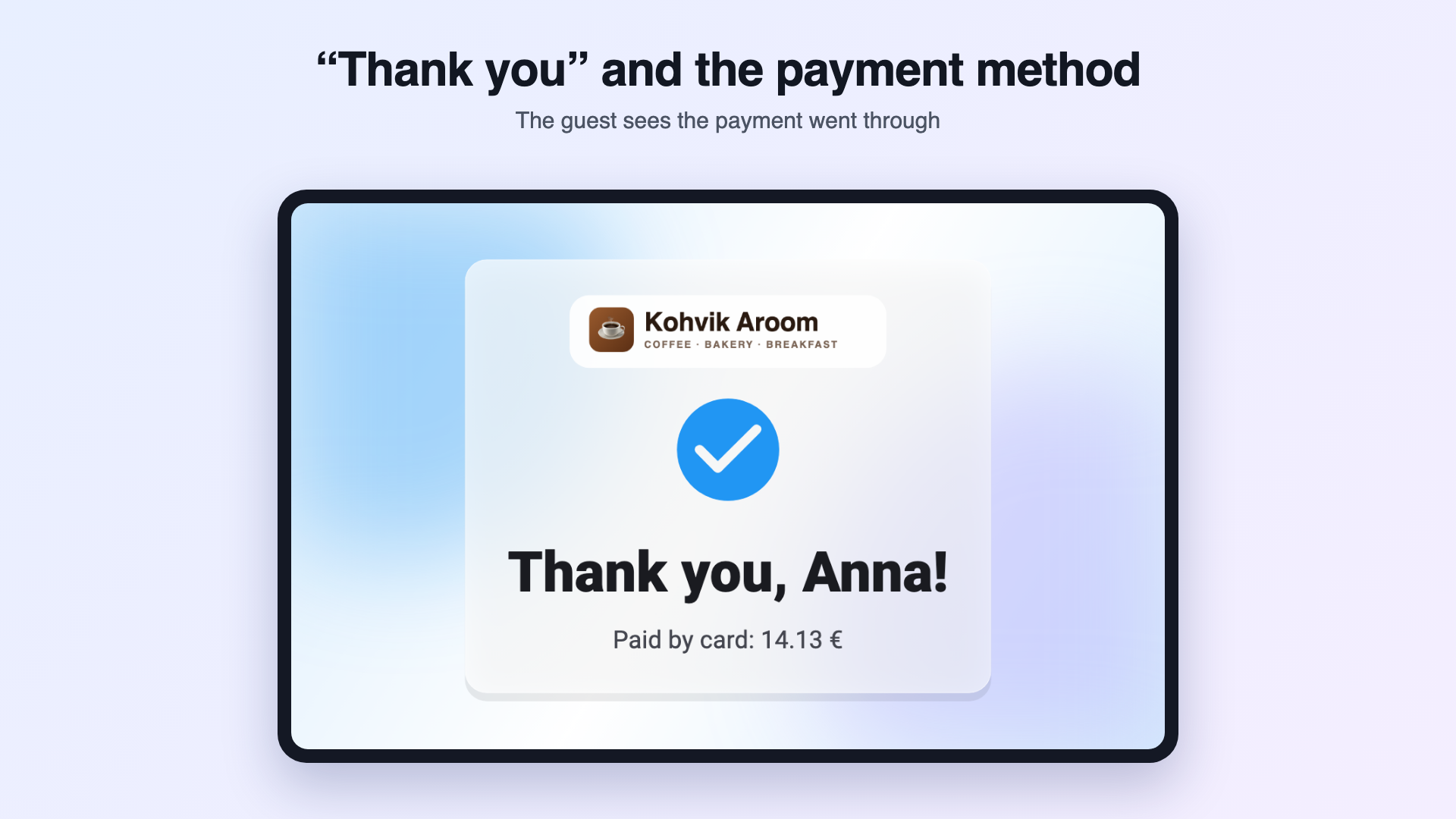
- After payment — “Thank you” with the payment method.
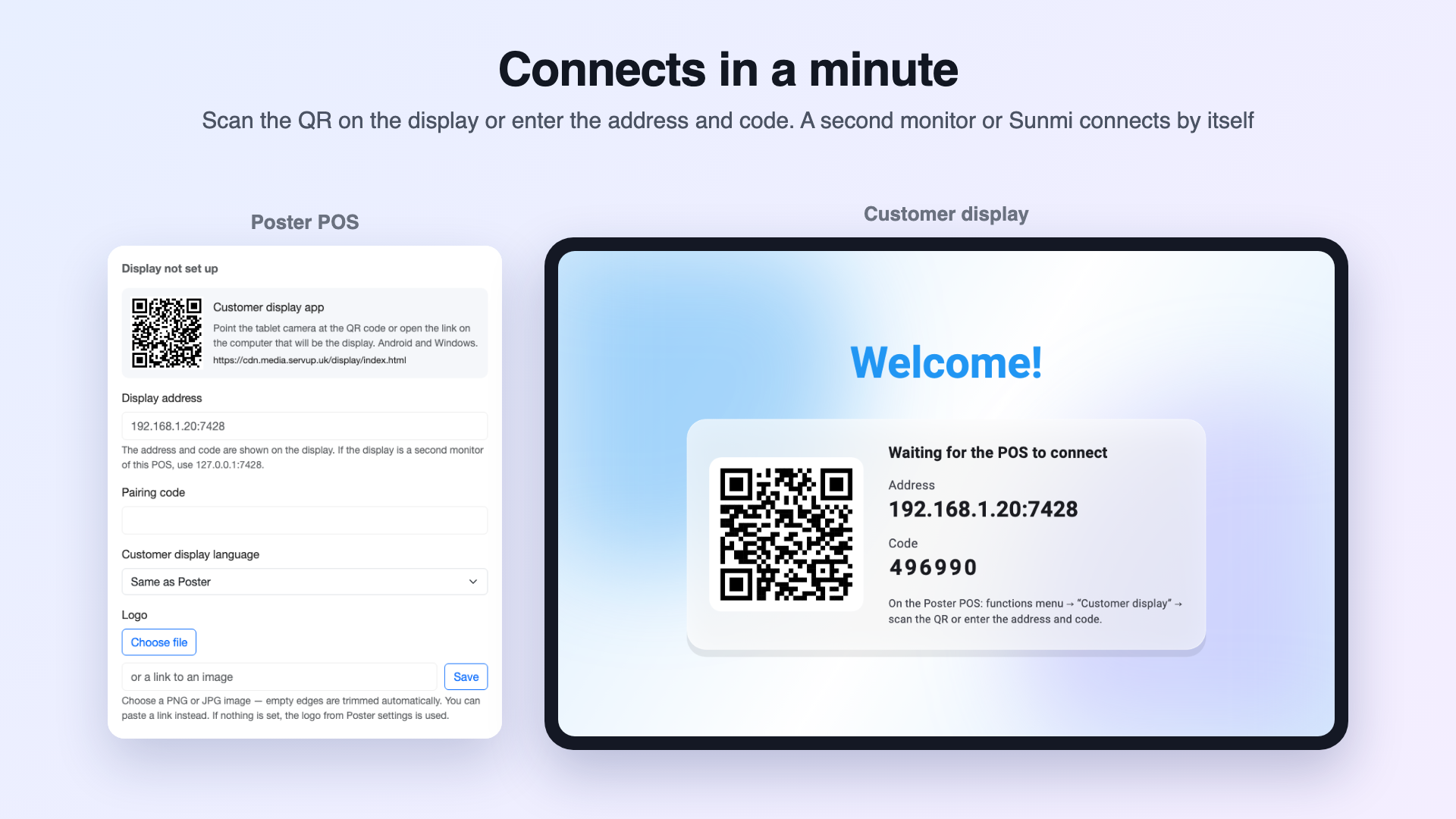
- Your logo — pick a file right on the POS, empty edges are trimmed automatically.
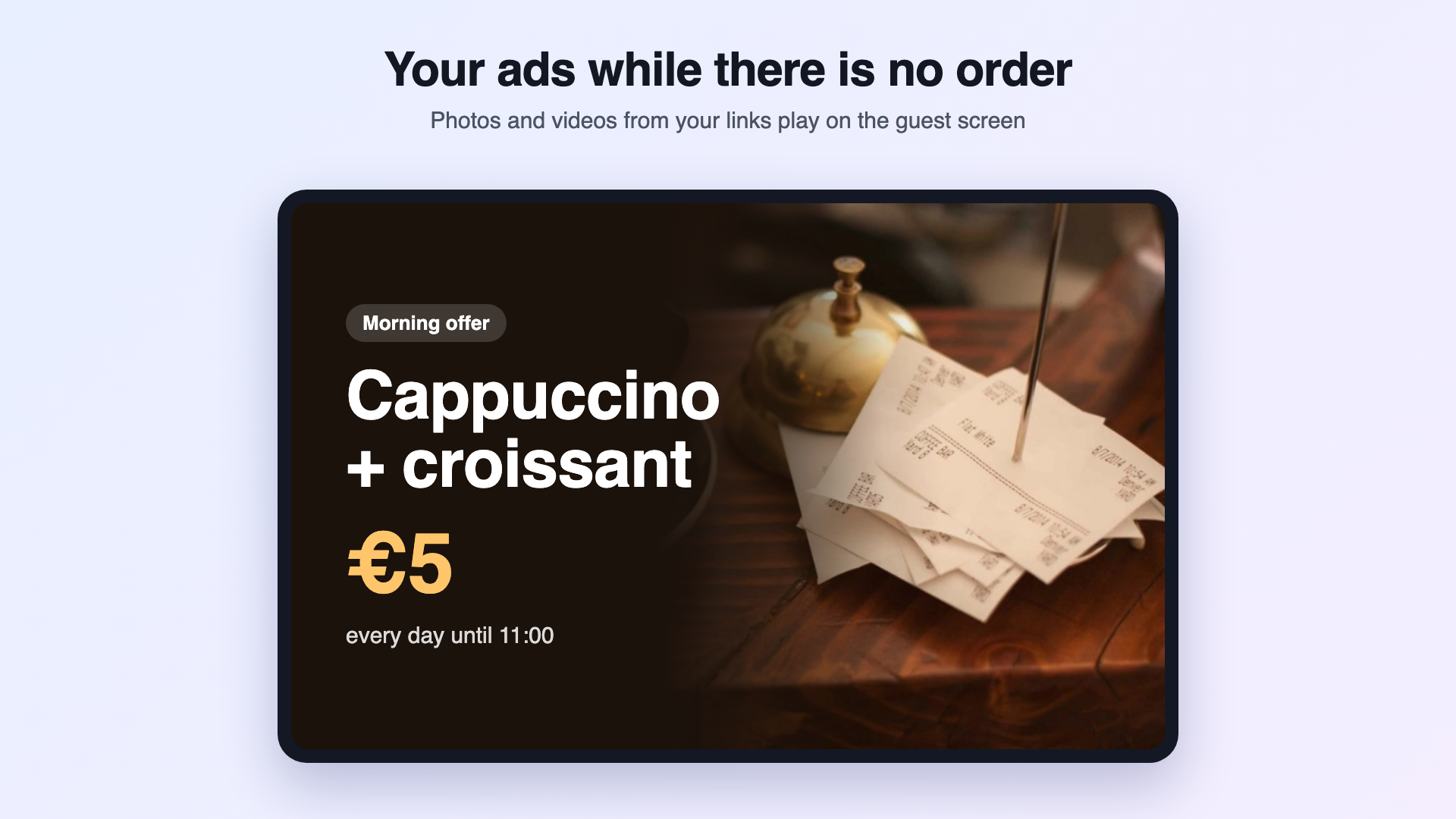
- Idle-screen ads — your photos and videos while there is no order.
- Works over the local network, no internet or cloud needed: order data never leaves the venue.
- Multiple registers — each has its own display; another register cannot connect to it.
- Screen language follows your Poster settings: English, Russian, Ukrainian, Polish, Estonian.
Runs on: Android tablet or TV box, Android POS with a built-in customer screen (Sunmi and others), Windows PC or a second monitor of the same POS.
Limitations:
- Change due is not shown: Poster does not pass the cash amount tendered.
- Tips entered on the payment screen are not passed to apps by Poster.
- Browser version of the POS: browsers block websites from reaching local-network devices — use the Poster app.
- On Android the display app has to be opened manually after the device restarts.
Connect the app and download the display: https://cdn.media.servup.uk/display/index.html
About the app
- Category
- Website
- Phone
- E-mail
- Number of installations10+
Screenshots